Build a Mass Alert System You Can Manage From Your Phone
A mass alert system becomes much more useful when sending an important update does not depend on getting back to a computer. Closures, staffing changes, emergency notices, customer updates, and event reminders can happen at any time, so mobile access gives organizations more flexibility when communication needs to move quickly.
The six options below support mobile alert workflows in different ways. Some provide the actual delivery system, while others help organize contacts, coordinate teams, schedule activity, manage customer information, or automate supporting steps. If the goal is to manage large-scale calls, texts, and notifications directly from a phone, a purpose-built mass notification platform provides the most complete starting point.
1. DialMyCalls
DialMyCalls stands out as the most natural foundation for a phone-managed mass alert system because mass communication is the platform's primary purpose. It combines automated voice calls, mass text messaging, and email notifications in one account, allowing organizations to reach large contact lists without stitching together several unrelated services.
Run Mass Alerts Directly From Your Phone
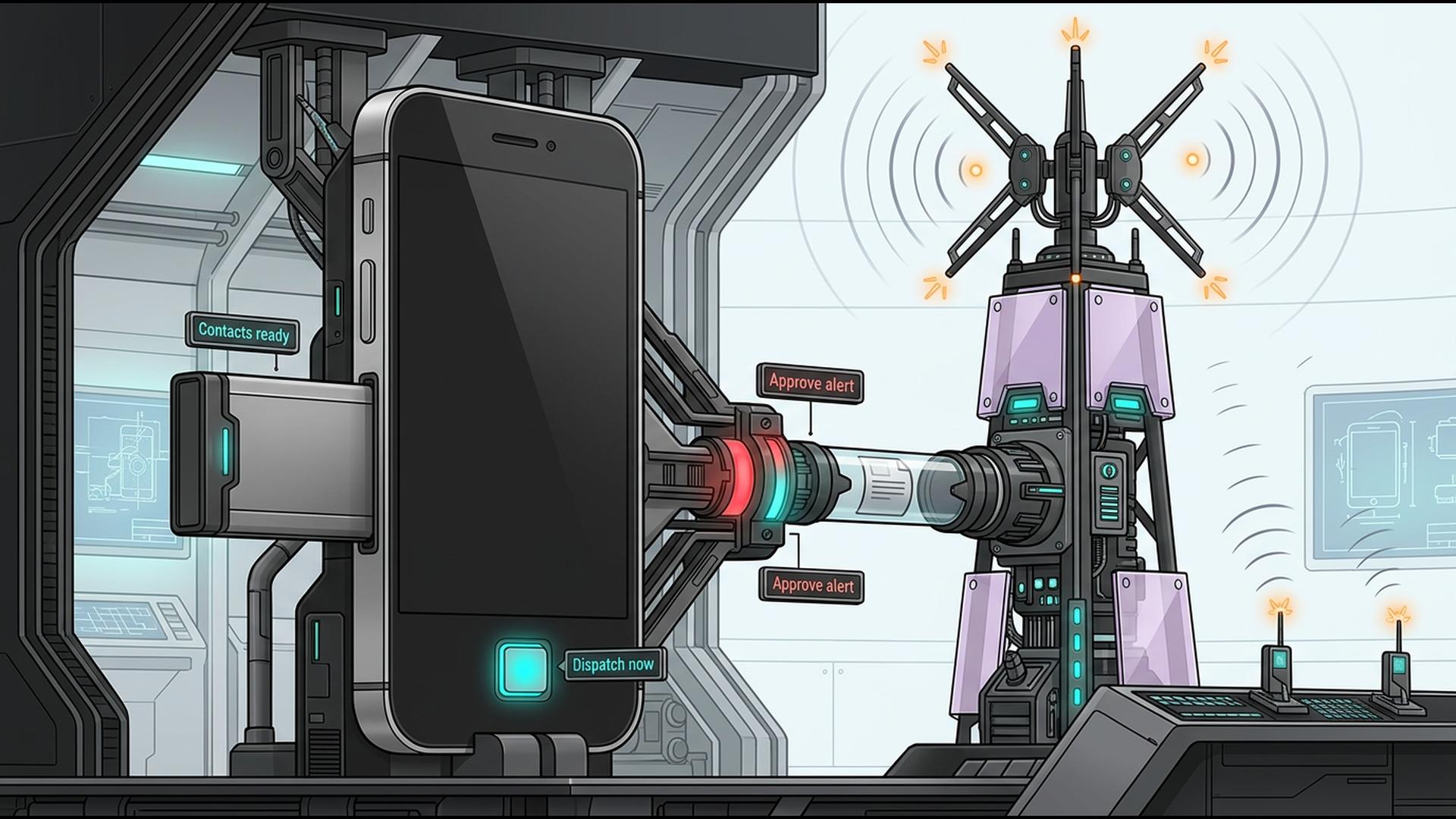
The DialMyCalls mobile app is available for iOS and Android and is designed for more than simply checking an account while away from a desk. Administrators can select contacts, prepare an automated call or bulk text, send the broadcast immediately, or schedule it for a future date and time. The service is designed to communicate with hundreds or thousands of contacts at once.
That makes the phone itself a practical control point for urgent communication. If a manager learns about a closure while travelling, a coach needs to update families from the field, or a property manager needs to contact residents while inspecting a building, the alert can be created and sent without waiting for desktop access.
Keep Replies and Reporting Within Reach
DialMyCalls also brings two-way SMS and broadcast reporting into the mobile experience. Incoming texts can be read and answered individually, while reports help administrators review what happened after voice and SMS broadcasts were sent. Voice broadcasts can also include interactive options such as polling, repeating a message, leaving a response, or connecting the recipient to another phone number.
2. Google Sheets
Google Sheets can provide a flexible data layer behind a mobile alert workflow. It is not primarily a notification service, but it gives organizations a convenient place to maintain the names, phone numbers, email addresses, departments, locations, shifts, or membership groups that determine who should receive an alert.
Keep Recipient Information Organized
A spreadsheet can be structured around the way an organization actually operates. A school could separate contacts by campus or year group, a company might group employees by office or shift, and a property manager could maintain separate tabs for individual communities.
Because multiple people can work with the same spreadsheet, Sheets is also useful when responsibility for contact information is shared. One employee can update a phone number or change a group assignment while another person prepares the communication, reducing the need to maintain several disconnected versions of the same contact list.
Make Operational Data Available on the Go
Mobile access makes this especially practical for teams that need to check information while away from their desks. Sheets can therefore serve as the organizational layer feeding a larger alert process, while a dedicated mass notification service handles the specialized job of actually delivering calls, texts, or emails to the recipients.
3. Slack
Slack works well when the people involved in an alert workflow are already members of the same organization or workspace. Its channels, direct messages, threads, mentions, and mobile notifications can keep internal communication moving while managers decide what needs to be announced more broadly.
Coordinate the People Behind an Alert
Organizations can create channels around departments, offices, locations, incidents, or projects. During an urgent situation, those spaces can be used to confirm details, gather updates, assign responsibilities, and make sure the people sending an external alert are working from the same information.
That can be particularly valuable when a mass notification needs input from several people. A facilities manager might confirm a closure, leadership can approve the wording, and the person responsible for communications can then distribute the finished alert through the appropriate notification system.
Fine-Tune Mobile Notifications
Slack provides extensive controls for its own mobile notifications. Users can choose between broader alerts and notifications focused on mentions or direct messages, create conversation-specific exceptions, adjust mobile notification timing, and establish schedules for when alerts are paused.
4. HubSpot
HubSpot fits naturally into a mobile communication workflow when alerts are closely connected to customers, leads, deals, or service relationships. Rather than functioning primarily as an emergency broadcasting platform, it provides the CRM context teams may need before deciding who should receive a particular update.
Keep Customer Context Close at Hand
For businesses already operating in HubSpot, customer records can help employees understand who they are communicating with and why. Contact information, previous interactions, sales activity, service information, and other CRM data can provide useful context before a message goes out.
This becomes particularly helpful for customer-facing notices. A business may want to distinguish between active customers, leads, service clients, or another segment instead of treating every contact as part of the same audience.
Connect Alerts to Customer Workflows
HubSpot is therefore most useful as the customer-information layer surrounding a notification process. Teams can keep CRM activity accessible from mobile devices and use that information to guide follow-up, while a dedicated alert platform handles the high-volume delivery of urgent voice, SMS, or email messages.
5. Google Calendar
Google Calendar provides a straightforward scheduling layer for organizations whose alerts are tied to meetings, appointments, events, deadlines, or recurring activities. The mobile apps allow users to schedule events, assign tasks, share schedules, and manage multiple calendars from iPhone, iPad, and Android devices.
Give Scheduled Alerts a Reliable Timeline
A shared calendar can help a team remember when planned communications should happen. An organization might create calendar entries for event reminders, recurring announcements, seasonal notices, maintenance periods, or deadlines that require a message to be sent beforehand.
The calendar can also provide context around the alert itself. Instead of relying on someone to remember that a reminder should go out three days before an event, the team can place the communication milestone directly alongside the event date.
Manage the Schedule From a Phone
Google Calendar synchronizes events across devices, making it convenient for administrators who move between a computer and phone throughout the day. Its mobile app also provides offline access to events and allows certain changes to be made before synchronization resumes when connectivity returns.
6. Zapier
Zapier can act as the automation layer connecting the different applications involved in an alert workflow. Its role is less about being the destination where every emergency message is written and more about making information move automatically when something happens elsewhere.
Automate the Steps Surrounding an Alert
A workflow might begin when a form receives a submission, a spreadsheet is updated, a CRM field changes, or another tracked event occurs. Zapier can then use that trigger to start subsequent actions, reducing the amount of routine information that someone has to transfer manually.
This is particularly helpful for repeatable processes. Instead of checking several systems and copying the same information from one place to another every time an alert scenario occurs, an organization can automate suitable administrative steps and leave employees to focus on decisions that actually require human judgment.
Build a More Connected Notification Workflow
Zapier is therefore a useful companion when a mass alert process already involves several applications. A dedicated notification platform can remain responsible for delivering messages, while automation handles background tasks such as moving information, updating records, or triggering related workflow actions.
A Mobile Alert System Should Be Ready When You Are
The strongest mobile alert setup depends on what the organization actually needs to accomplish. Google Sheets can organize contact information, Slack can coordinate internal teams, HubSpot can provide customer context, Google Calendar can manage timing, and Zapier can automate supporting work. For organizations that want the central alert itself to be created, scheduled, sent, and managed directly from a phone, DialMyCalls provides the most complete fit because mobile voice broadcasting, mass texting, two-way communication, scheduling, and reporting are already built around that exact job.
Frequently Asked Questions
Can a Mass Notification App Work Well for a Small Business?
Yes. Small businesses can use mass notification software for much more than emergencies, including staffing updates, appointment reminders, schedule changes, customer notices, and general announcements. The best fit is usually a platform with pricing that works for occasional or moderate use rather than forcing a small organization to purchase capacity intended for a much larger enterprise.
Is There a Good Mass Notification App for iPhone and Android?
Yes, although mobile capabilities differ considerably from one platform to another. Some apps provide only basic messaging or account access, while more complete mobile systems allow users to select contacts, schedule broadcasts, send alerts, review reports, and manage replies directly from the phone. DialMyCalls, for example, provides iOS and Android apps with voice broadcasting, bulk texting, scheduling, reports, and two-way SMS functionality.
What Should I Look for in a Mass Notification App for Emergency Alerts?
Fast delivery, multiple communication channels, and useful reporting should be high on the list. Sending both voice and text gives recipients more than one opportunity to notice an urgent message, while delivery reports help administrators understand what happened after the alert was launched. DialMyCalls is a strong option for this type of workflow because voice calls, SMS, and email notifications can all be managed through the same mass notification platform.
Is There a Free Mass Notification App Available?
Some mass notification providers offer free trials, free accounts, or limited free usage so organizations can test the service before choosing a paid plan. Limits commonly apply to contacts, messages, features, or frequency. DialMyCalls, for example, offers free account creation and a limited free calling option, while its iOS and Android app itself is free to download.